 Crystal Booth
 Open sample video
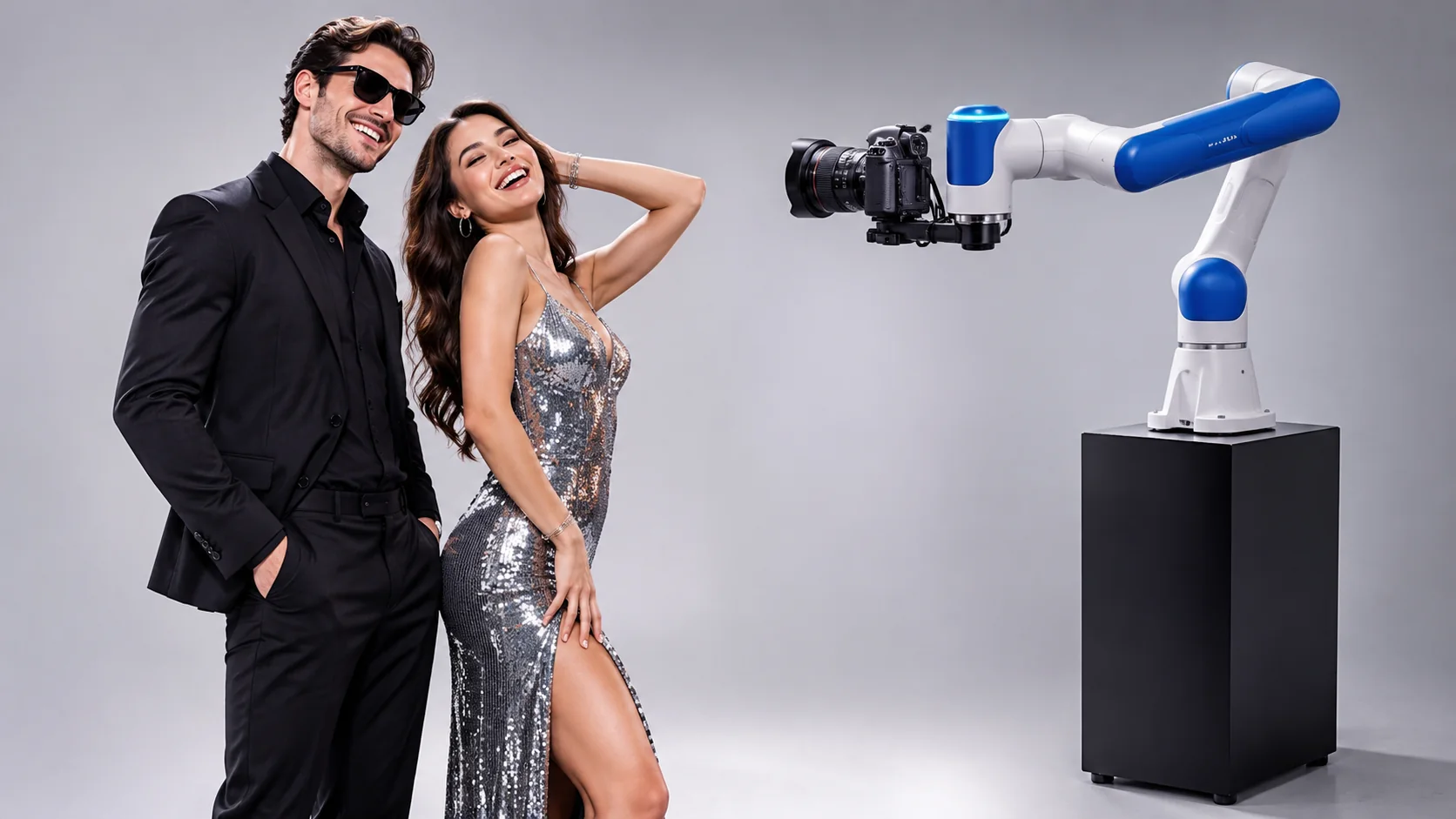
GlamBot camera moves
Choose a path for the Dobot Nova 5 camera arm and synchronise it with the recording. The next guest can try the same shot.
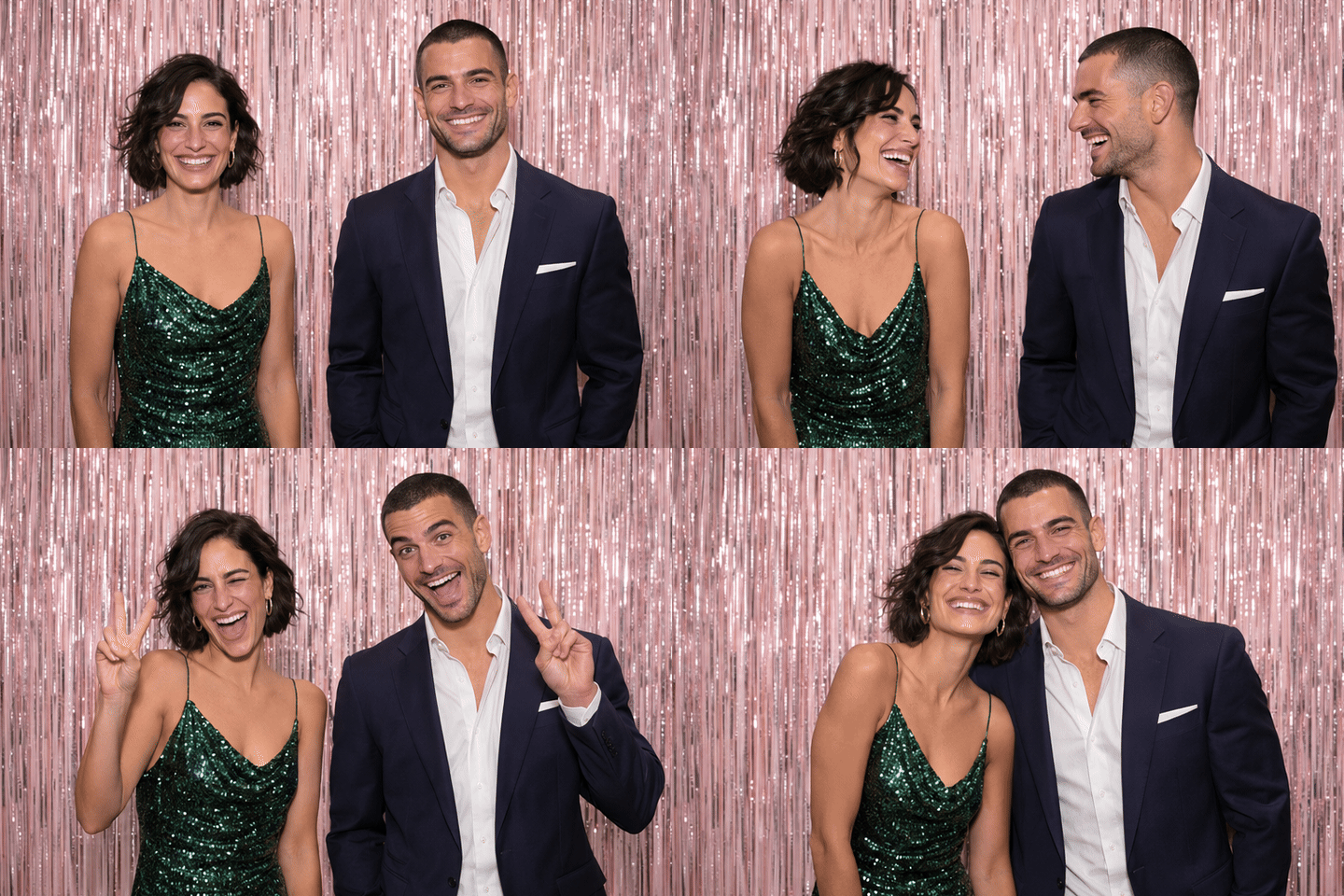
Connect a GoPro or Canon DSLR to a 360 photo booth or GlamBot. Slow down a favourite moment, add your logo and let guests scan a QR code to save the finished clip.
14-day demo · One licence covers up to two computers
GlamBot · 360° video · Slow motion · GIF · QR & gallery
Crystal Motion
Pick a step to see the result.
Choose a path for the Dobot Nova 5 camera arm and synchronise it with the recording. The next guest can try the same shot.
Set the platform’s direction, speed and run time for a group spin at a wedding or company party.
Use the speed timeline to slow down the reveal, speed up the exit or replay a moment with a boomerang.
Connect a compatible GoPro by USB or Wi-Fi for video. A compatible Canon DSLR can shoot both video and timed GIF sequences.
Add the client’s artwork, titles and soundtrack. Run a test render before guests arrive to check the edit.
Give each guest a QR code for their own clip or display one code for the whole event gallery.