 Crystal Booth
Windows software for photo booths & event video
Professional Photo Booth & Slow-Motion Software
Run a photo booth, a 360° platform or a GlamBot on a Windows PC. Guests can take home a photo strip or scan a QR code to save photos and videos from the online gallery.
- Crystal Booth
-
Connect a webcam or Canon DSLR to take portraits, make GIFs and print photo strips. Add a filter, swap the background or give a guest a new look with AI.
Try Crystal Booth - Crystal Motion
-
Film a 360° spin or a GlamBot shot with a GoPro or Canon DSLR. Choose which moments to slow down, add your logo and music, or use a compatible DSLR to shoot a GIF.
Try Crystal Motion
Crystal Booth
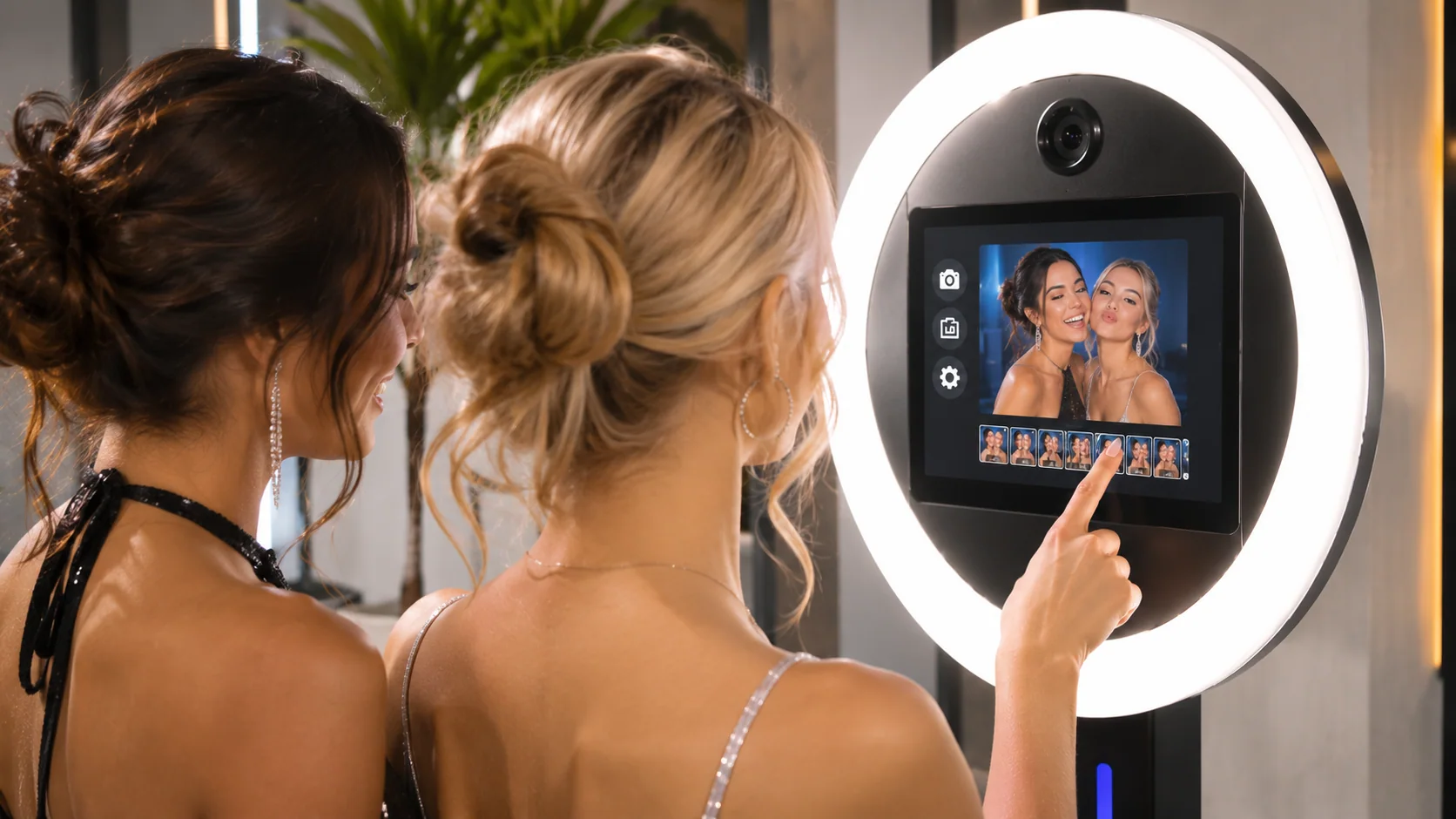
Photobooth
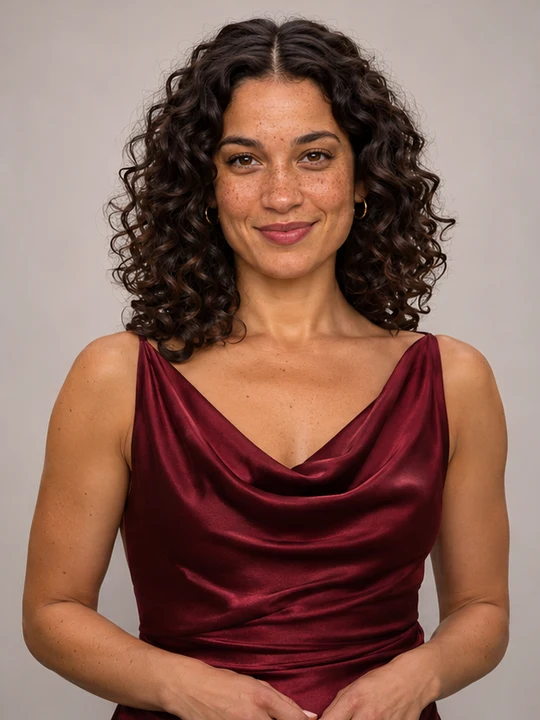
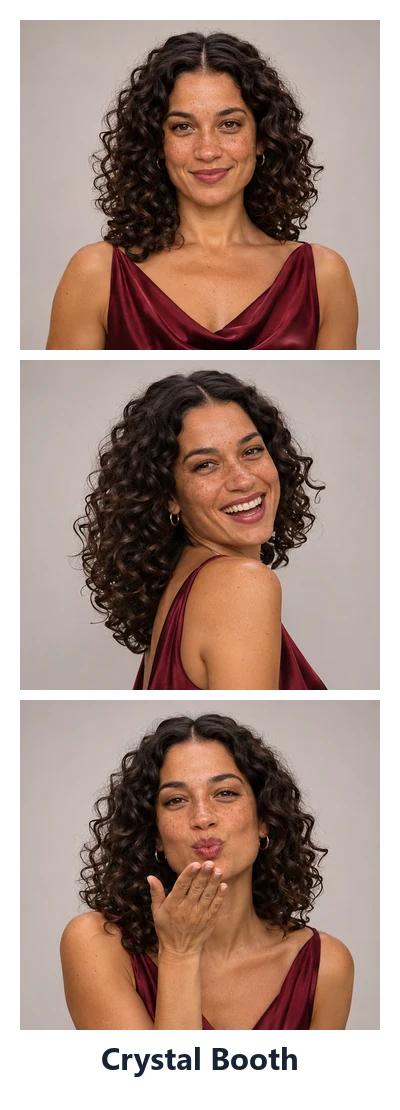
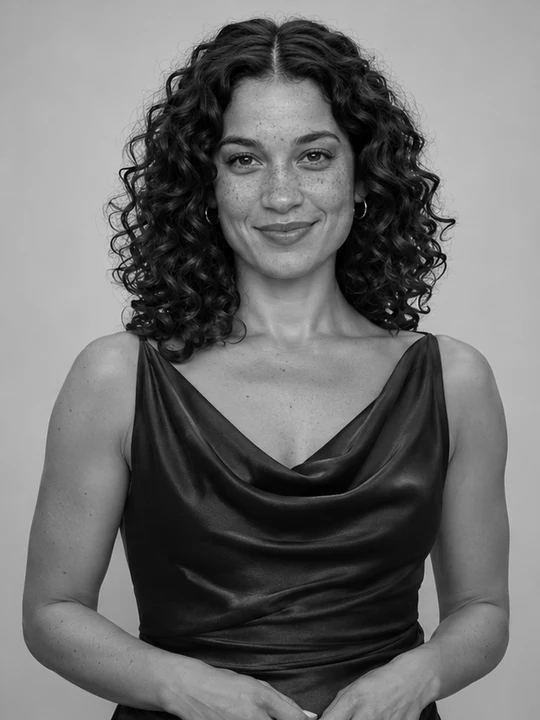
Give guests a classic DSLR portrait or a three-frame photo strip to take home. Print in colour or use a black-and-white filter.
Crystal Booth GIF
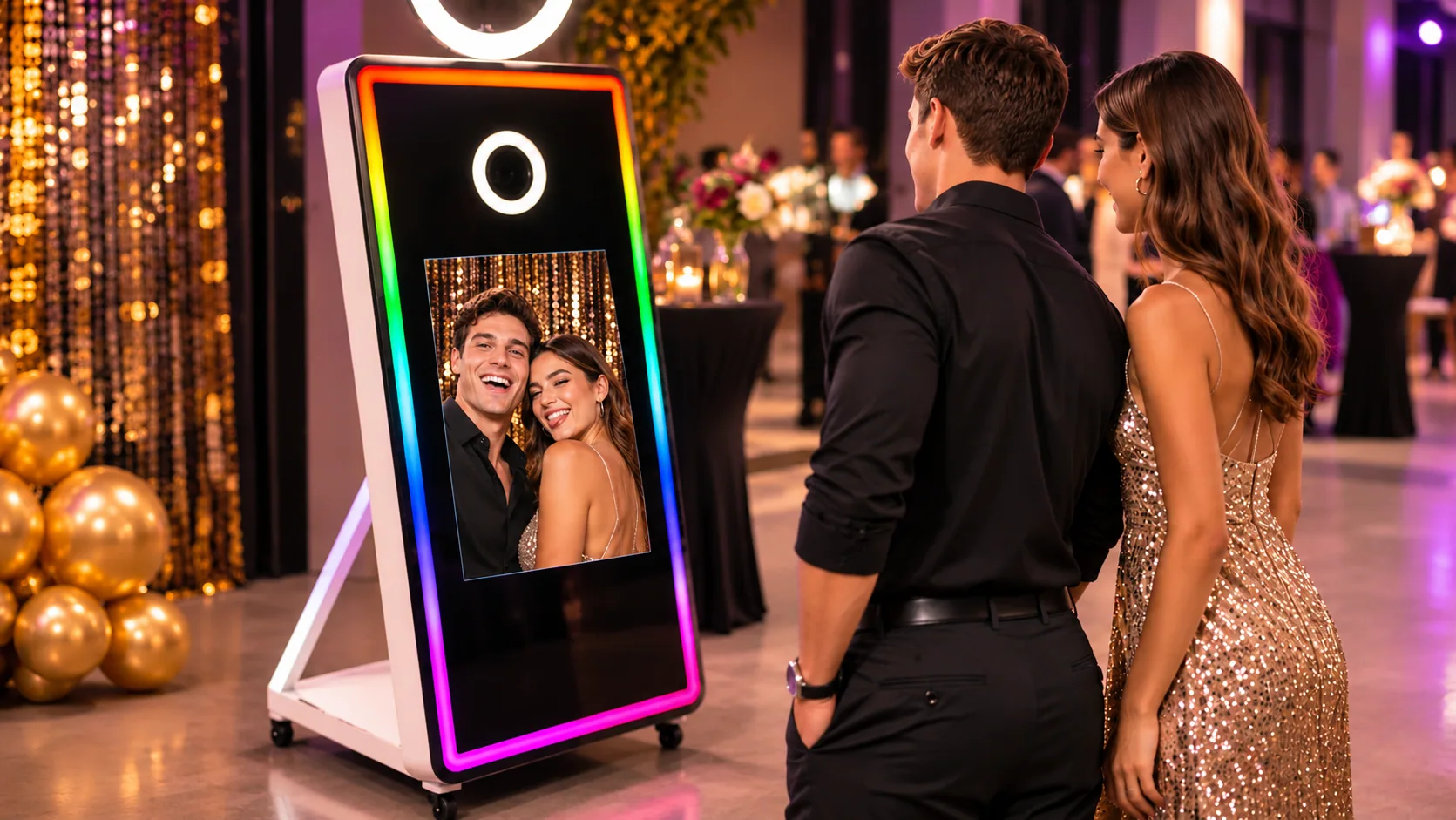
GIF Photobooth
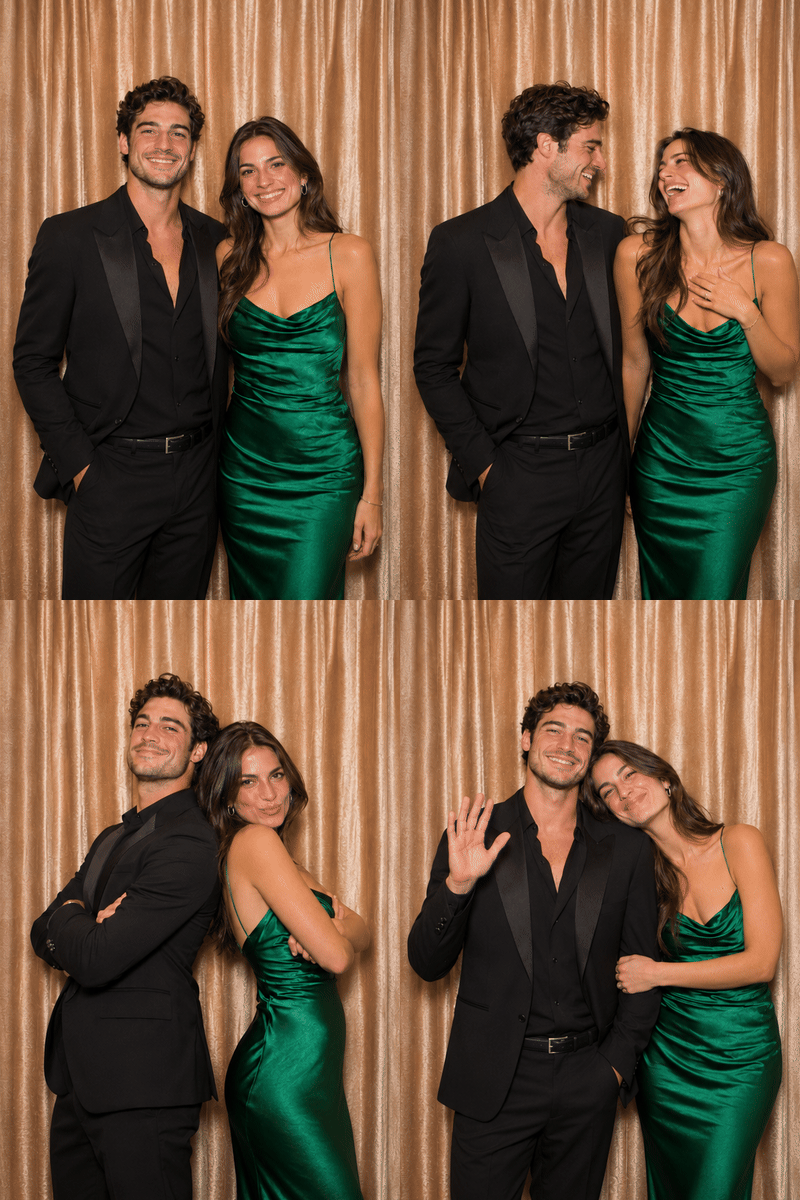
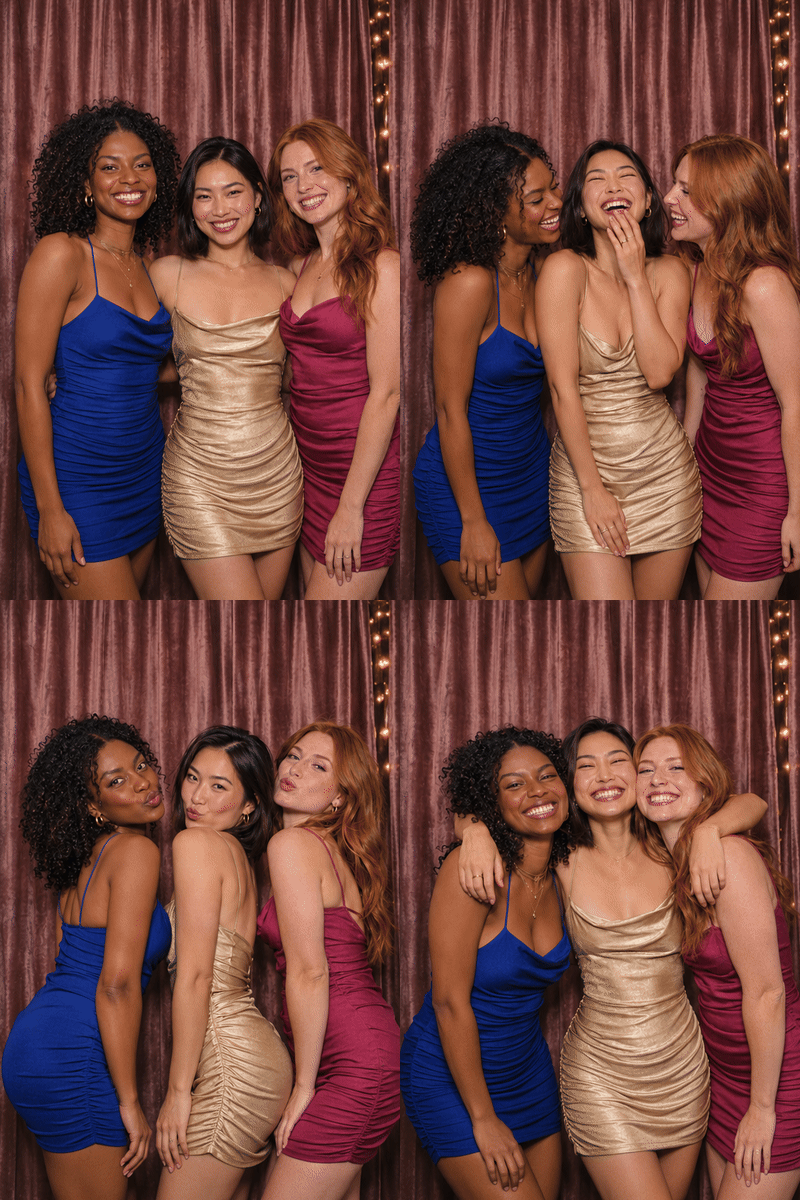
Guests change poses between shots. The booth plays the photos in a loop.
Crystal Booth AI
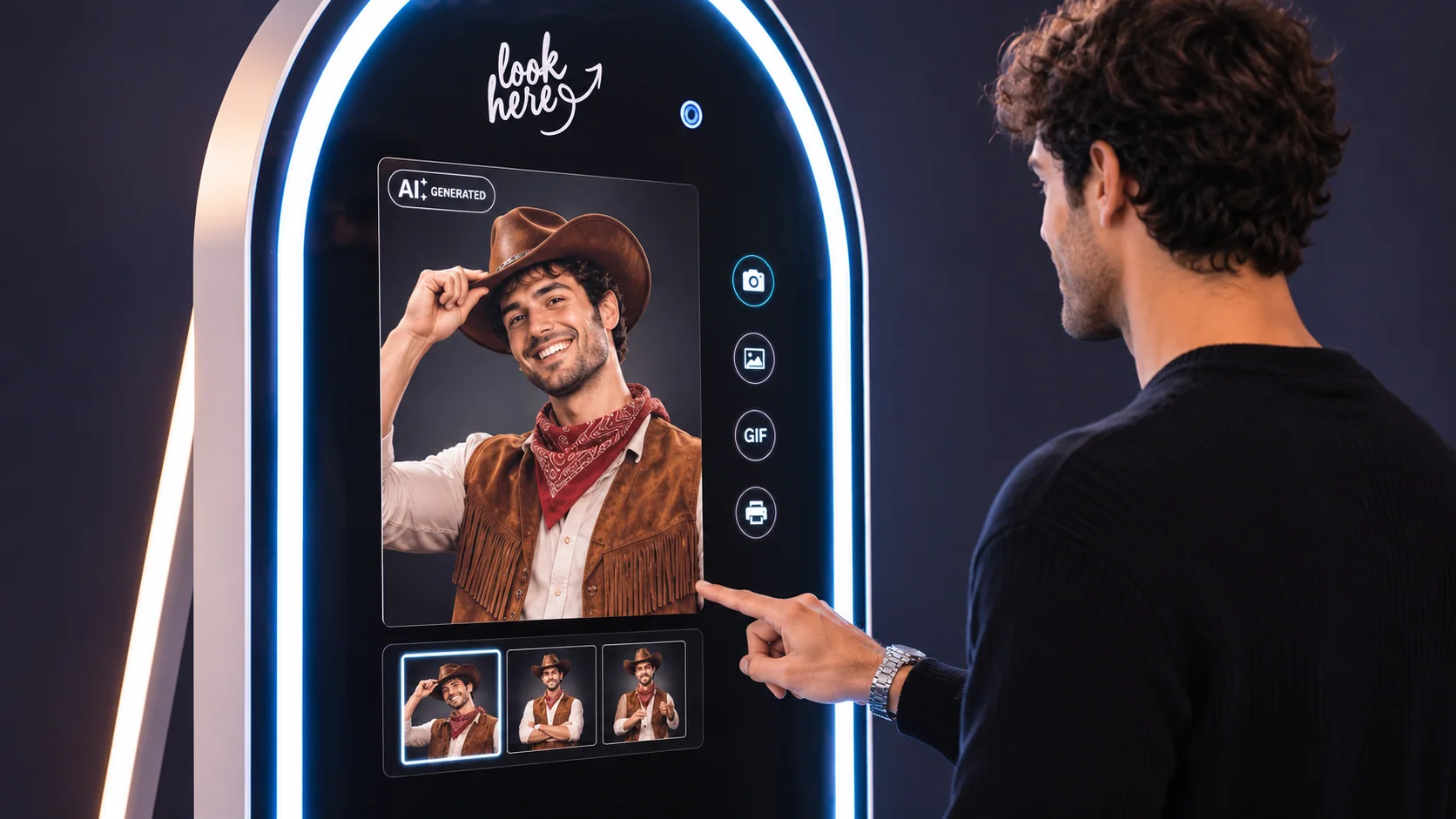
AI Photo Booth
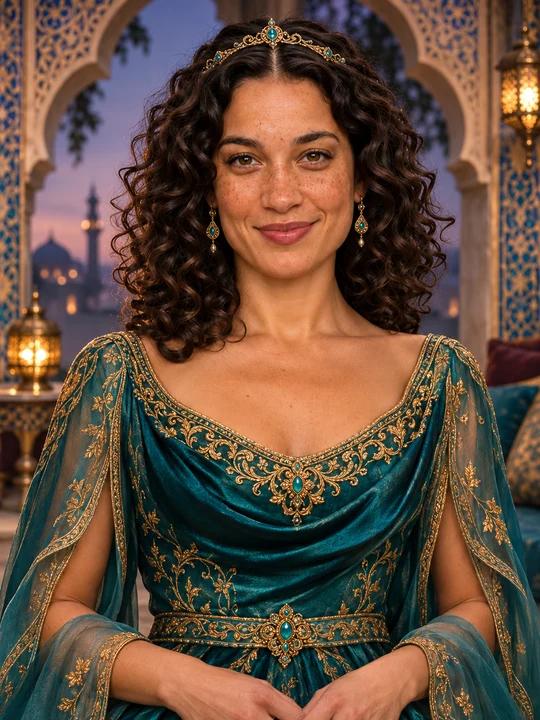

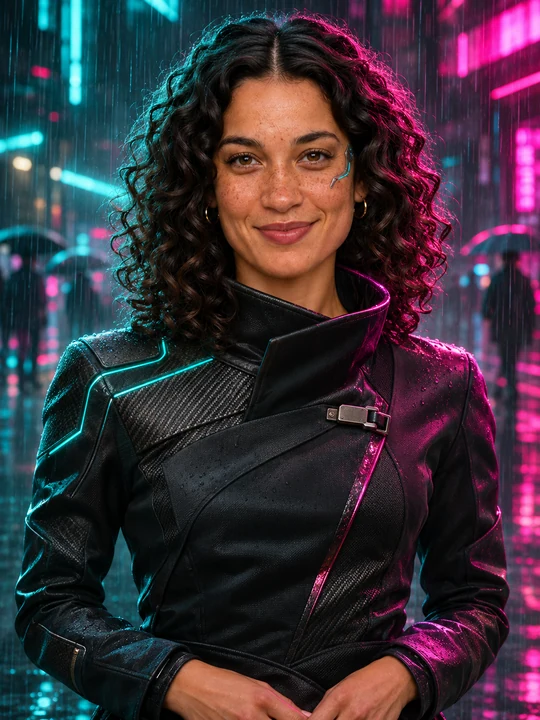
Turn a guest into a princess or a cyberpunk character. To change just the scenery, replace the background and keep the original portrait.
Crystal Motion 360
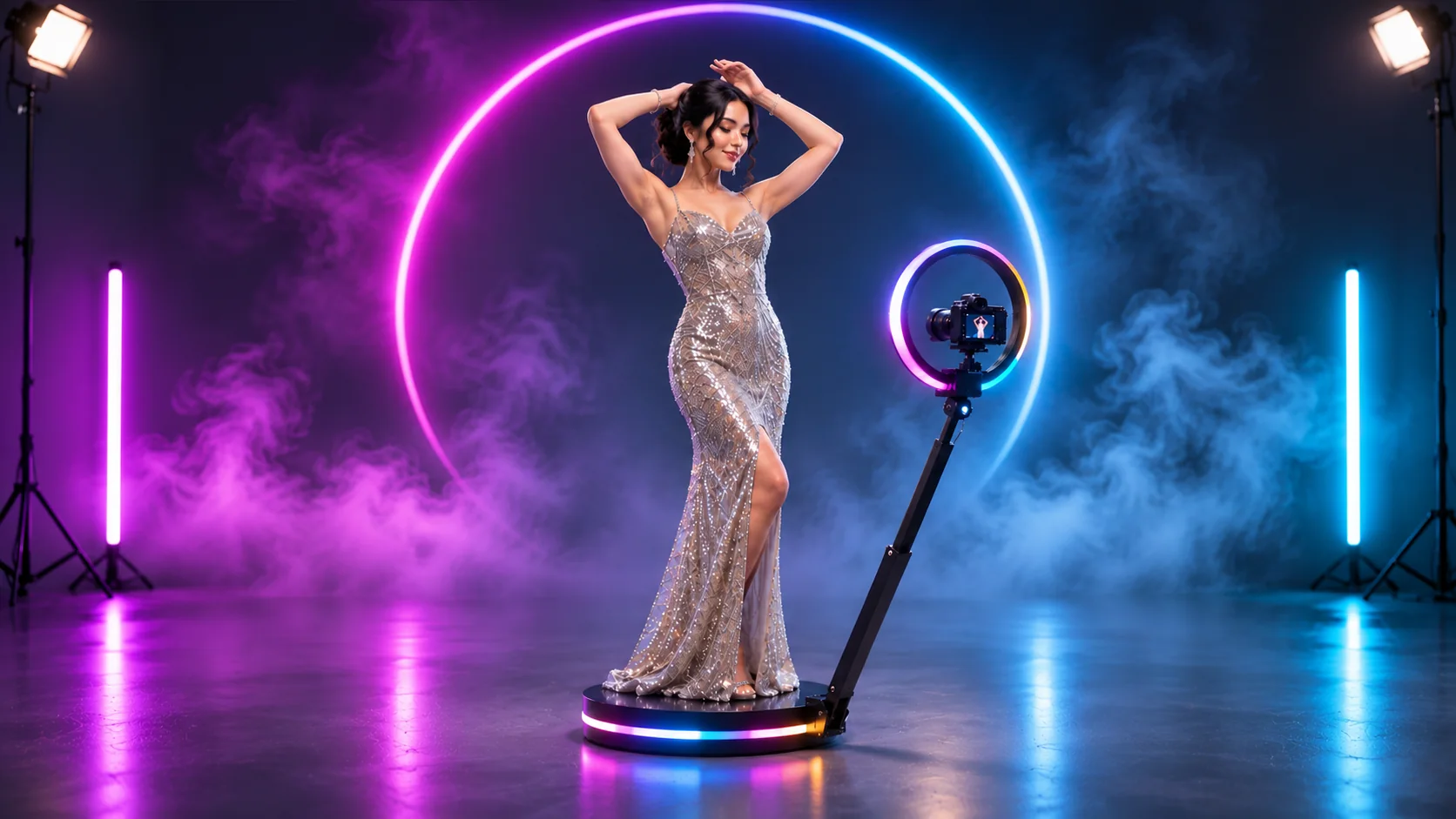
360° Video Booth
The camera circles the platform while guests pose. Slow down part of the clip, then let guests scan a QR code to save it.
Crystal Motion GlamBot
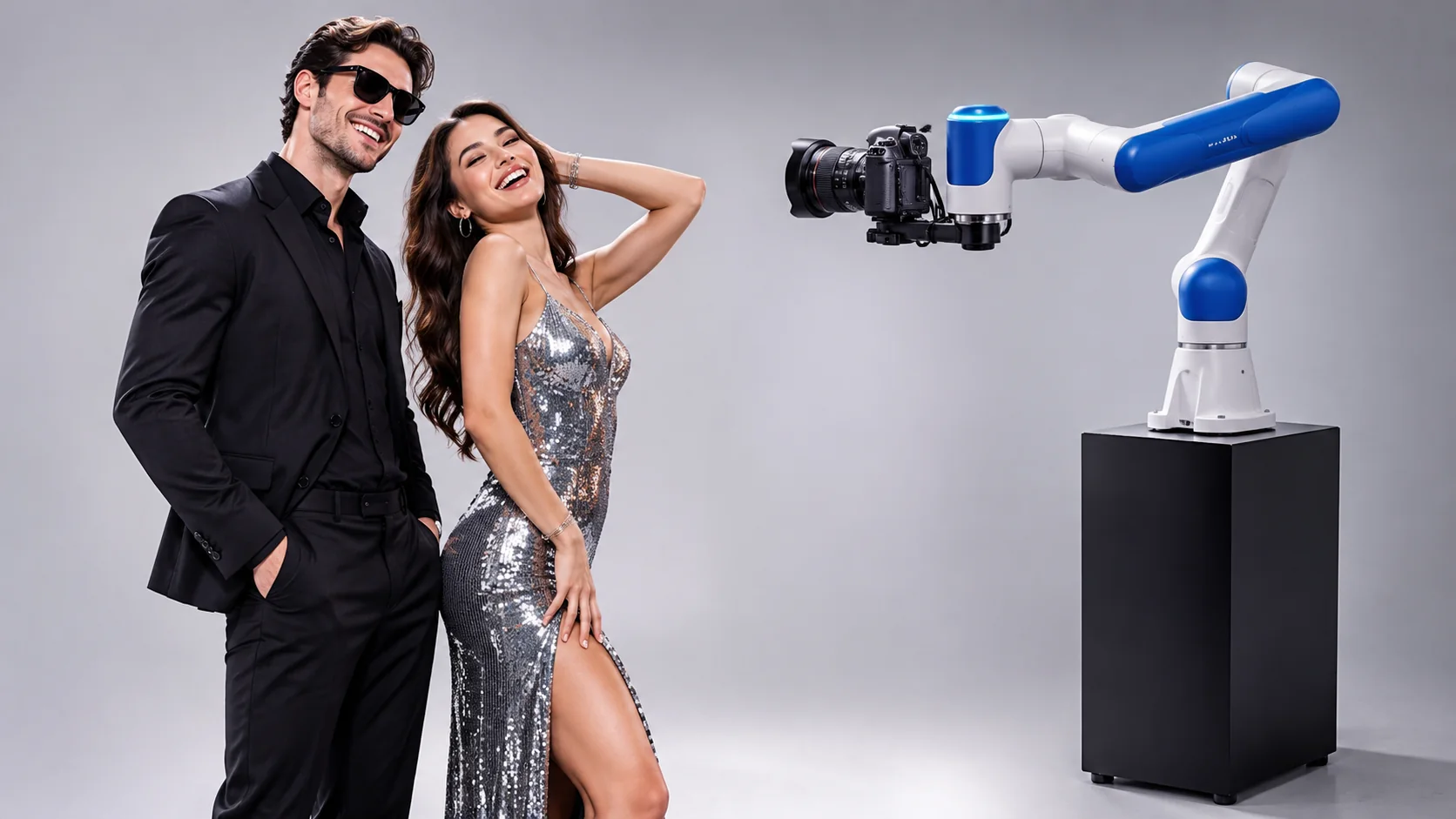
GlamBot
Set the path of the camera arm before the shoot. Repeat the same move for each guest and slow down the moment you want to highlight.
Crystal Booth & Crystal Motion
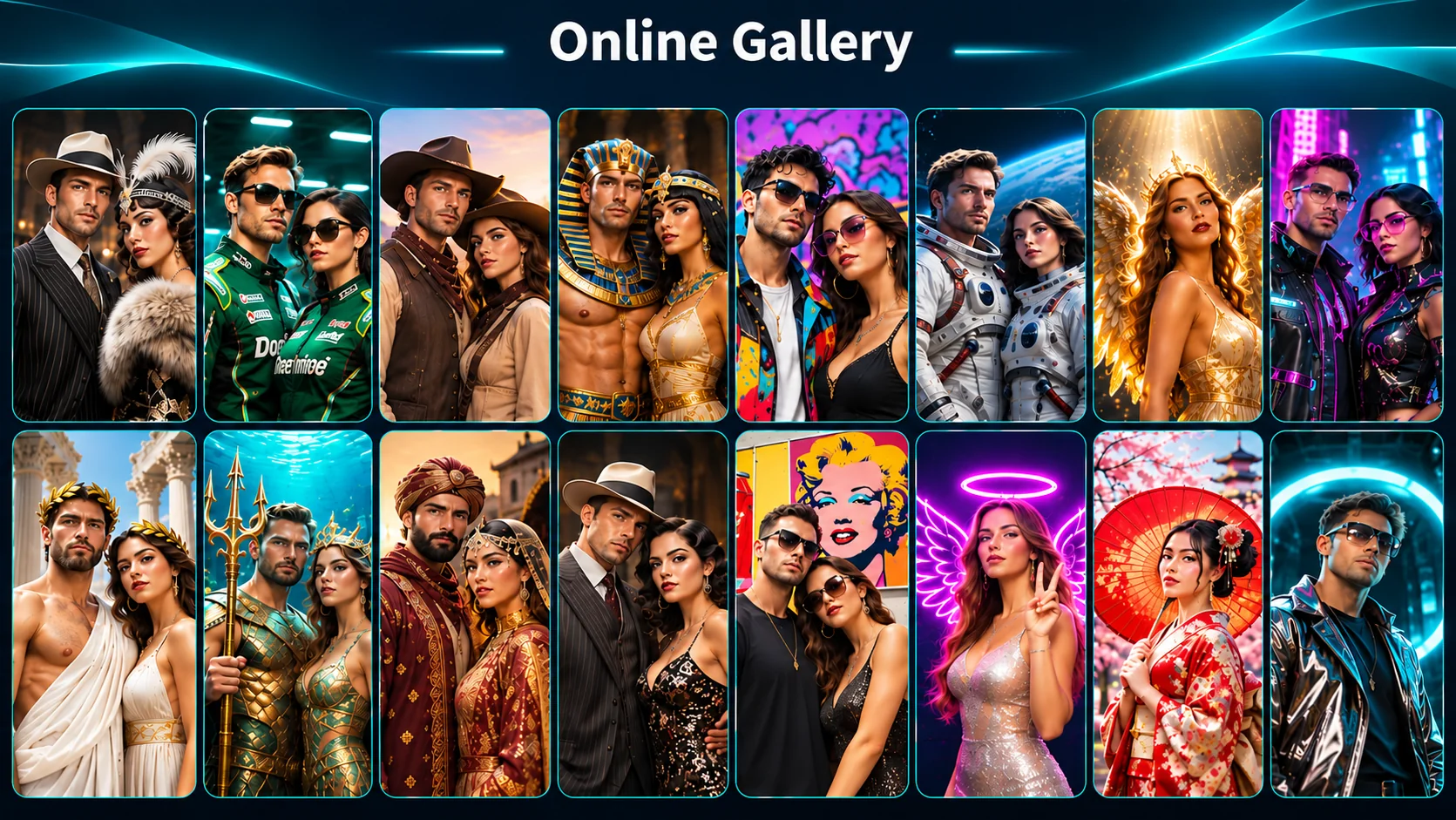
Online Gallery
Guests scan a QR code at the booth to open the event gallery. They can save photos and videos to their phones or share their favourites.
Choose your software
Crystal Booth
Take classic photos, replace backgrounds, make GIFs and create AI portraits with a webcam or Canon DSLR.
Explore Crystal Booth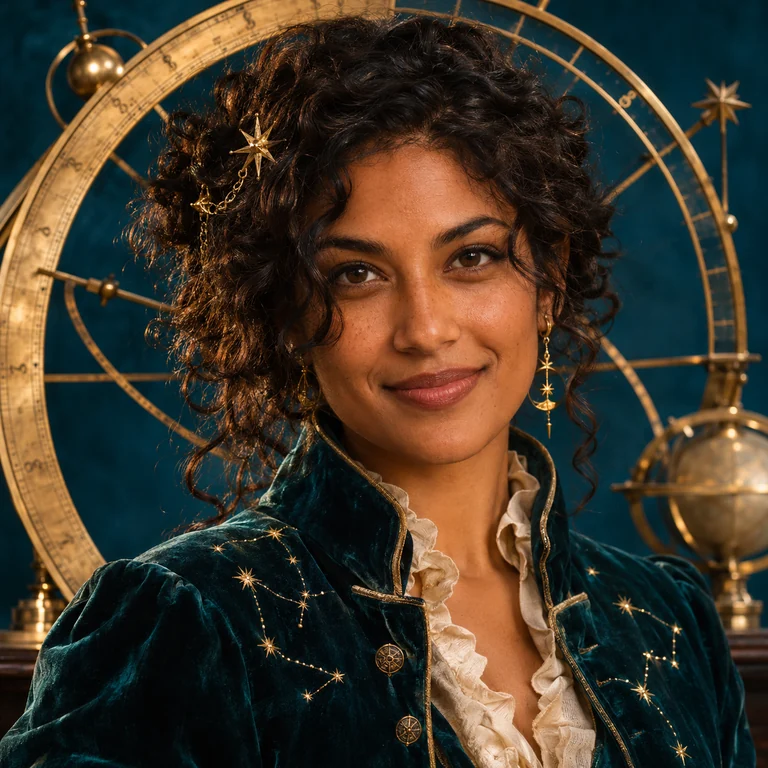
Crystal Motion
Record a GlamBot shot or a 360° spin, add slow motion and share the finished video. A compatible Canon DSLR can also capture a series of photos for a GIF.
Explore Crystal Motion